
Useful One UI 7 Settings Changes for Samsung Galaxy Users After the Update
Samsung has begun rolling out One UI 7 to its flagship devices from 2024 and earlier, bringing a range of useful settings and customization options. This update introduces a split notification shade, separating Quick Settings and notifications, but users can revert to the classic combined panel via settings. A vertical app drawer returns, offering an easier alphabetical layout for navigating many installed apps. Samsung’s Good Lock suite has received a major overhaul, especially the Home Up module, allowing deep customization of the home screen layout and animations.
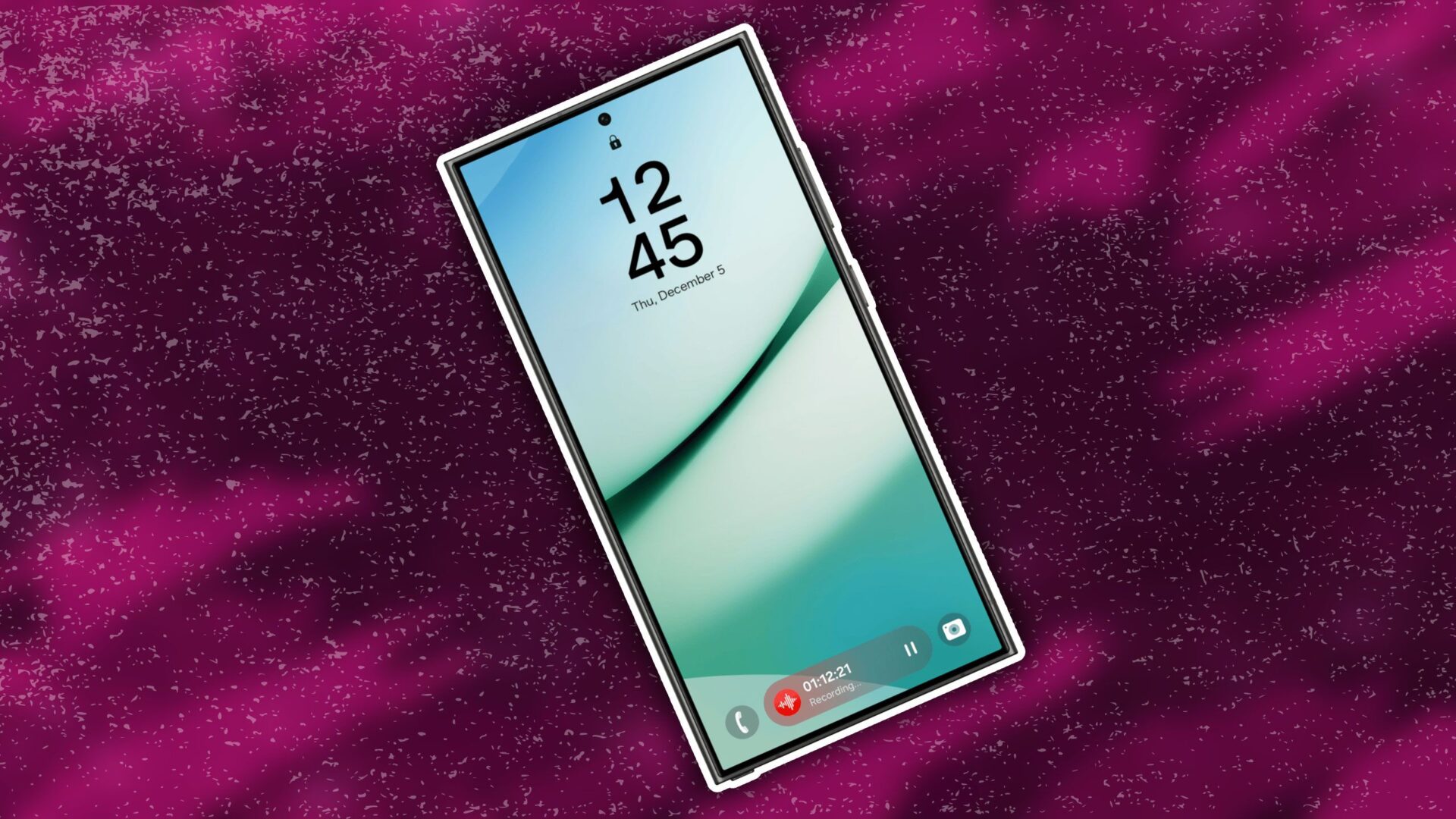
The new Now Bar feature functions similarly to iPhone’s Live Activities, showing relevant live data from selected apps on the lock screen and Always On Display. Meanwhile, One UI 7 replaces full-screen lock screen widgets with always-visible mini widgets, though only two can be added due to space limitations. The Camera app now includes extensive filter customization, allowing users to tweak color temperature, saturation, and more, and apply separate filters for front and rear cameras.
While the update’s visual changes are being widely covered, these practical settings enhance usability and offer significant personalization options. Users are encouraged to explore these features to make the most of One UI 7.