
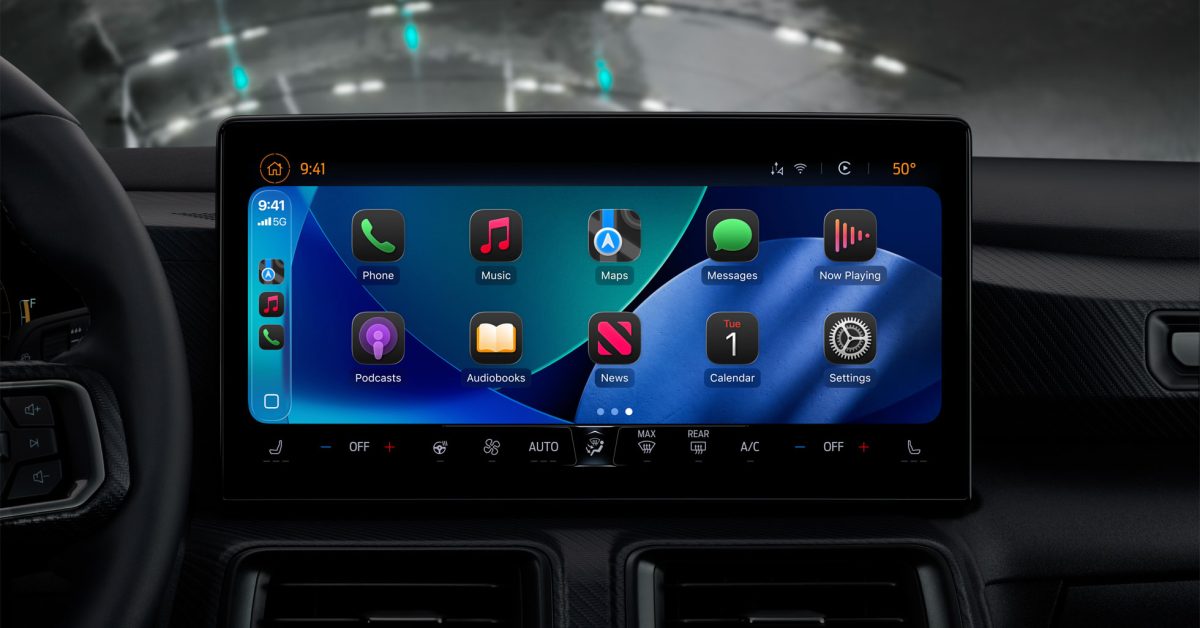
Apple Unveils Major CarPlay Redesign and New Features in iOS 26
Apple’s iOS 26 introduces significant updates to CarPlay, making the in-car experience more visually appealing and functional for all users, not just luxury car owners. The most prominent change is the adoption of the ‘Liquid Glass’ design language, previously seen on iPhone, which brings a sleek, glass-like appearance to CarPlay’s interface elements, including new icon appearance modes: Default, Dark, and the highly reflective Clear mode with Light, Dark, or Auto options. Widgets are now supported on CarPlay, allowing both Apple and third-party iPhone app widgets to be displayed, even if those apps don’t have dedicated CarPlay versions. These widgets resemble iPhone’s StandBy widgets and can be managed from the iPhone’s CarPlay settings, with customization options for widget stacks, wallpaper, suggestions, and rotation. The home screen layout has been adjusted: widgets now appear on the leftmost screen, the Dashboard is next, and the app grid has moved to the third screen. Live Activities, such as real-time updates from apps like Uber Eats, are now visible on the Dashboard. Additional improvements include a refreshed Music app mirroring the iPhone’s navigation, support for Tapbacks and pinned conversations in Messages, and a compact incoming call view that preserves navigation information. These enhancements extend to CarPlay Ultra, Apple’s deeply integrated system for select vehicles. Overall, iOS 26 makes CarPlay more customizable, informative, and visually engaging for the over 600 million daily users.