
macOS Tahoe 26 Introduces Liquid Glass Design, Enhanced Spotlight, and Customization Features
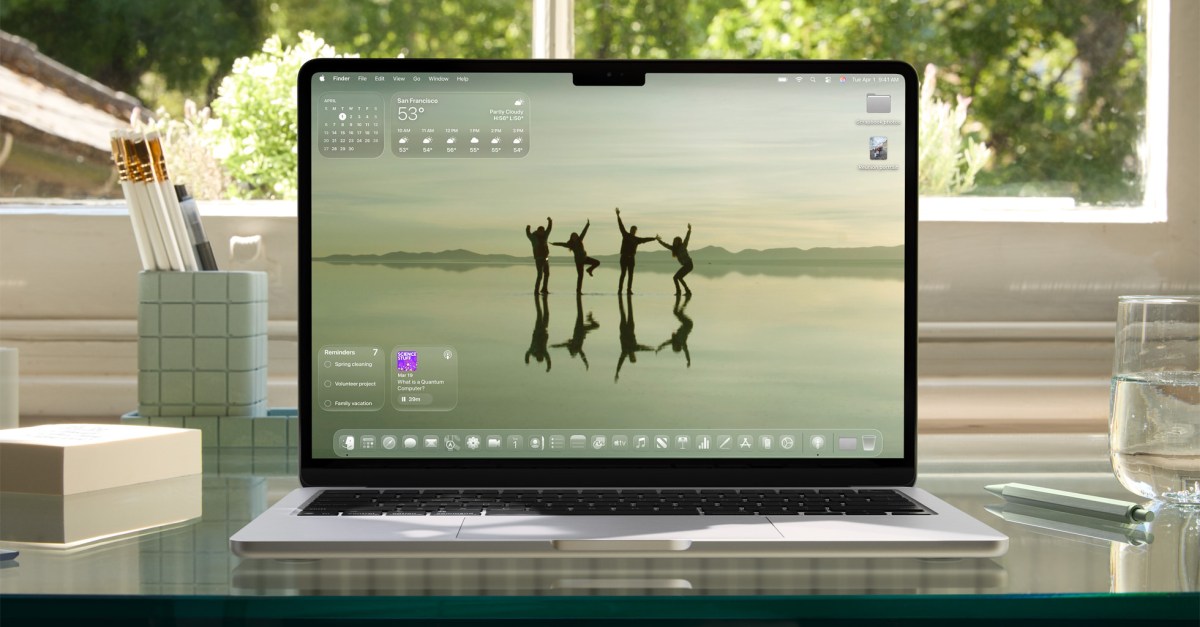
Apple’s macOS Tahoe 26 brings a fresh design language called Liquid Glass to the Mac, following its debut on iPhones. Currently in developer beta, the update adds subtle transparency effects to elements like the Dock, Finder, widgets, and menus. While visually polished, not all changes are well-received—especially the new elongated volume and brightness pop-ups, which now appear in the top-right corner.
A significant interface tweak is the invisible Menu Bar, which eliminates the usual dark overlay over the notch but may disorient some users. Widgets are now placed directly on the desktop by default, though users can revert this change. Additionally, the Finder adopts a more rounded and nested visual style, with light and dark modes offering distinct aesthetics.
For power users, Spotlight receives major functionality upgrades. The search tool now features quick access to apps, files, shortcuts, and clipboard history, all accessible through new keyboard commands. Users can also define custom quick keys for frequent actions, streamlining Mac navigation and functionality.
While these enhancements bring Spotlight closer to advanced tools like Raycast, it still lacks full third-party extension support. The macOS Tahoe 26 public beta is expected next month, and further changes are likely before the final release.