
How to Clear Cache Data on Android for Improved Performance
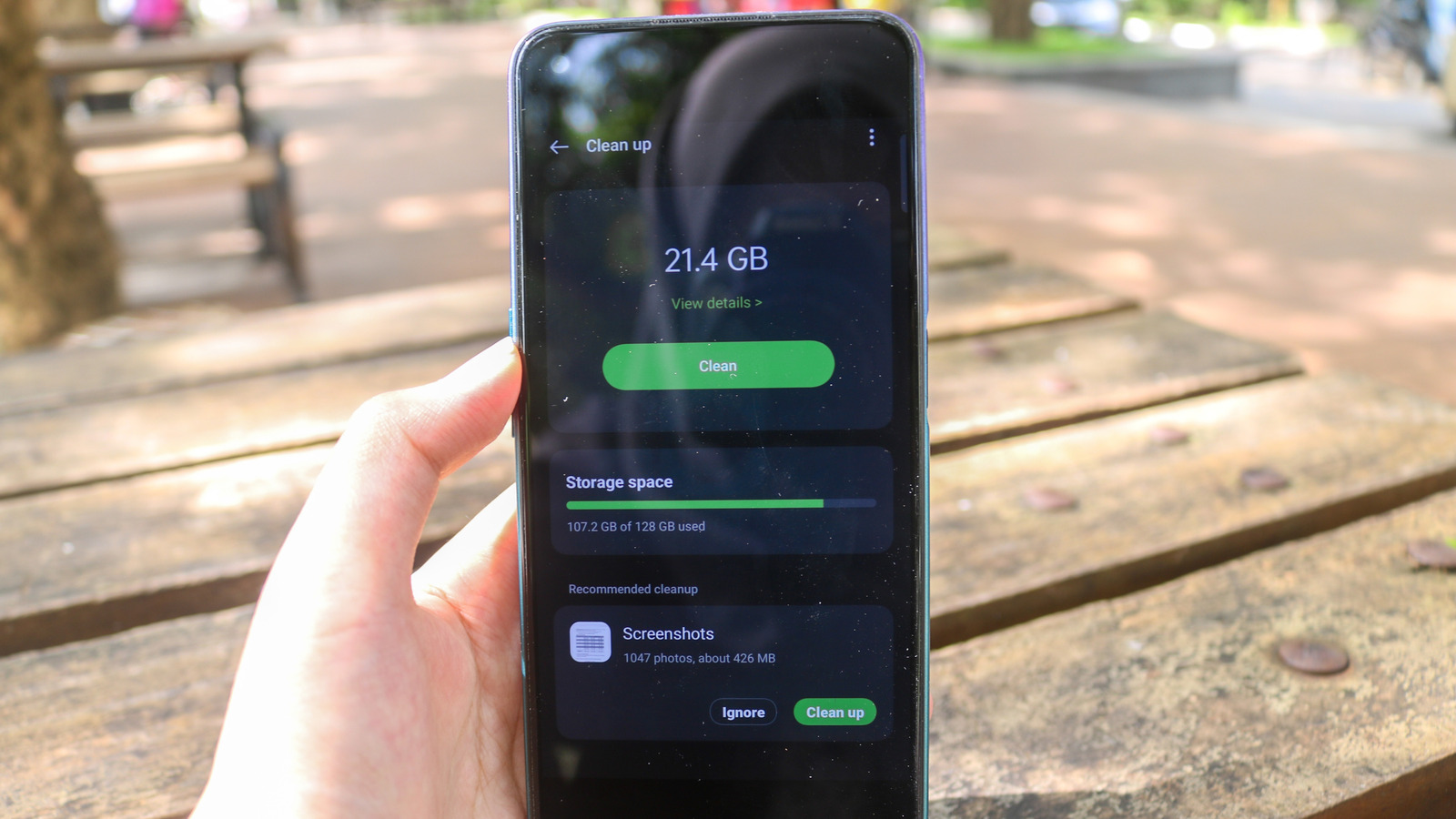
If your Android phone is running slower than when you first got it, clearing cache data might help speed it up. Cache data consists of temporary files that apps create to speed up loading times and enhance performance. Over time, these files can build up and take up valuable storage space, causing your phone to slow down. While you can manually clear cache data for individual apps by going to Settings > Apps > [App Name] > Clear Data > Clear Cache, this can be time-consuming if you have many apps. Fortunately, there are third-party apps like 1Tap Cleaner that can clear cache data for all apps at once, making the process much quicker. To use 1Tap Cleaner, download the app, grant it necessary permissions, and follow simple steps to remove unnecessary junk. The app will automatically clear the cache for all installed apps, saving you from manually selecting each one. Keep in mind that the process may take some time, depending on the number of apps installed on your device.