
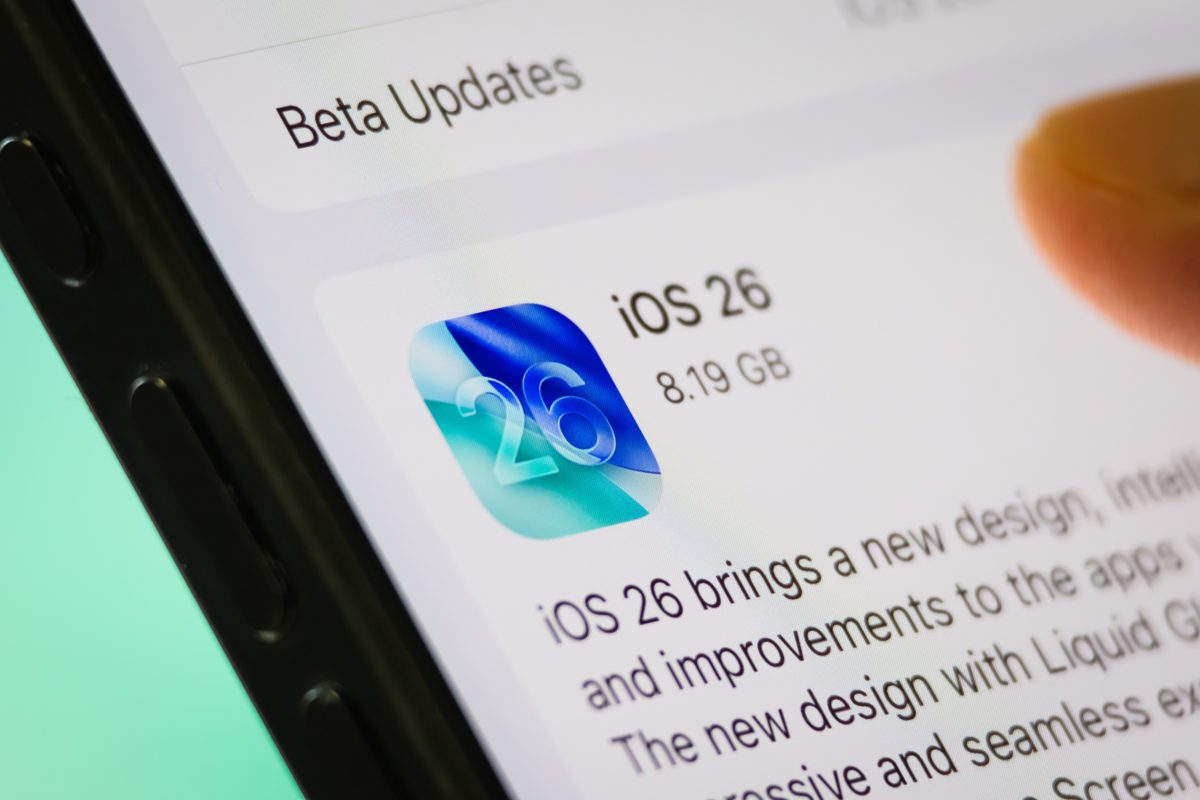
How to update your iPhone to iOS 26 with the new Liquid Glass design
iOS 26 has officially been released and is now available as a free software update for all compatible iPhones. The update brings with it significant changes, notably the introduction of ‘Liquid Glass’, a new design style that redefines the look of apps and features on your device. To install the update, ensure your iPhone is backed up, plugged into a power source, and connected to Wi-Fi. Then, navigate to Settings > General > Software Update, select iOS 26, and begin the download and installation process. The update promises to deliver a completely revamped aesthetic for users who want to refresh the appearance of their devices. With the installation process being quick and straightforward, the transition to the new system is effortless, making it easy for users to take advantage of all the exciting new features iOS 26 has to offer.