
Mozilla Unveils Redesigned Firefox for Desktop and Mobile with Compact Mode and Theme Picker
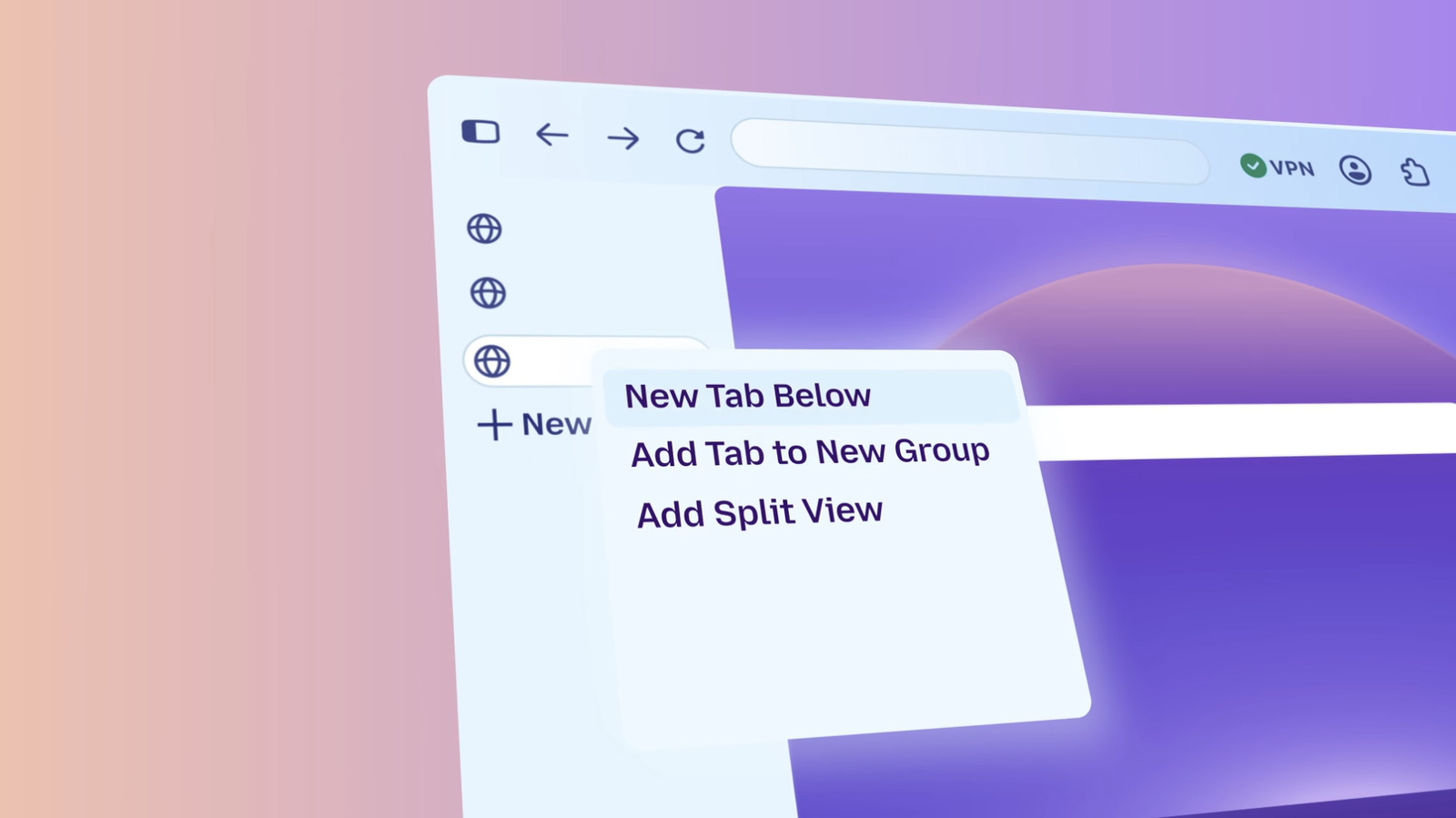
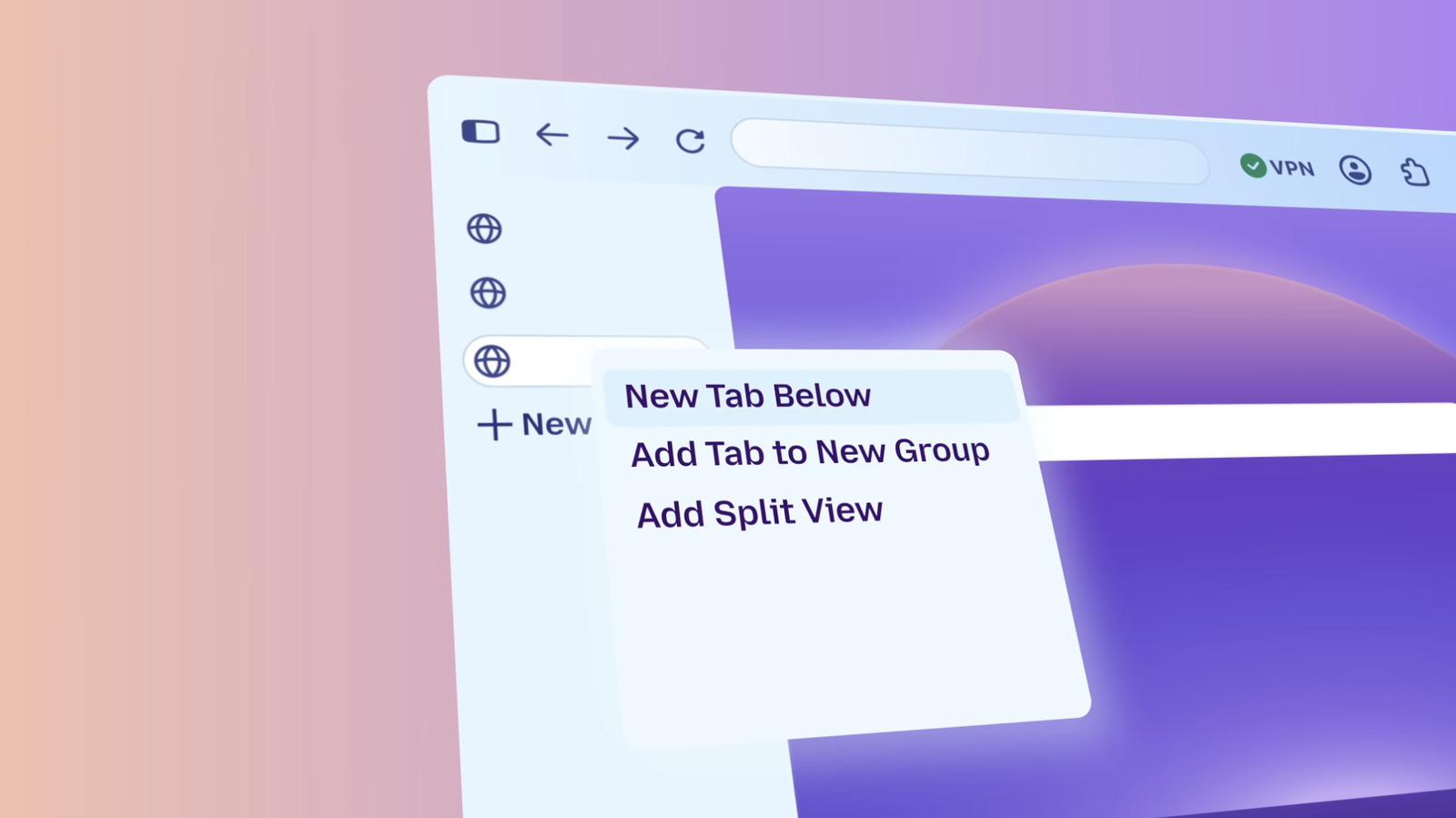 Mozilla has rolled out a significant redesign of its Firefox browser across both desktop and mobile platforms, marking a notable update for users. The new version reintroduces compact mode, a feature previously removed by Mozilla, which minimizes the space taken by toolbars and tabs, allowing users to view more of the website content. Additionally, the redesign includes a theme picker with wallpaper options and the ability to organize shortcuts on the New Tab page. Privacy settings have been made easier to locate, and Mozilla claims the update does not compromise performance. The browser’s themes, icons, and colors have been modernized to align with recent additions, such as a single off switch for generative AI tools. While features like tab groups, split view, and vertical tabs are not prominently displayed, they remain accessible for users who prefer them. Mozilla emphasized that the redesign prioritizes accessibility, ensuring customization options are inclusive for all users. The update has been available to beta testers through the Nightly version of Firefox for several months, and the company has now made it available to all users. This redesign reflects Mozilla’s commitment to enhancing user experience while maintaining the browser’s core functionality and privacy focus. The changes aim to provide a more streamlined and personalized browsing experience without overwhelming users with too many options upfront. The browser’s modernized interface also includes subtle visual improvements that align with current design trends in the tech industry. Overall, the update represents a strategic move by Mozilla to keep Firefox competitive in the browser market, particularly as it integrates new features like AI tools while maintaining its reputation for privacy and user control.