
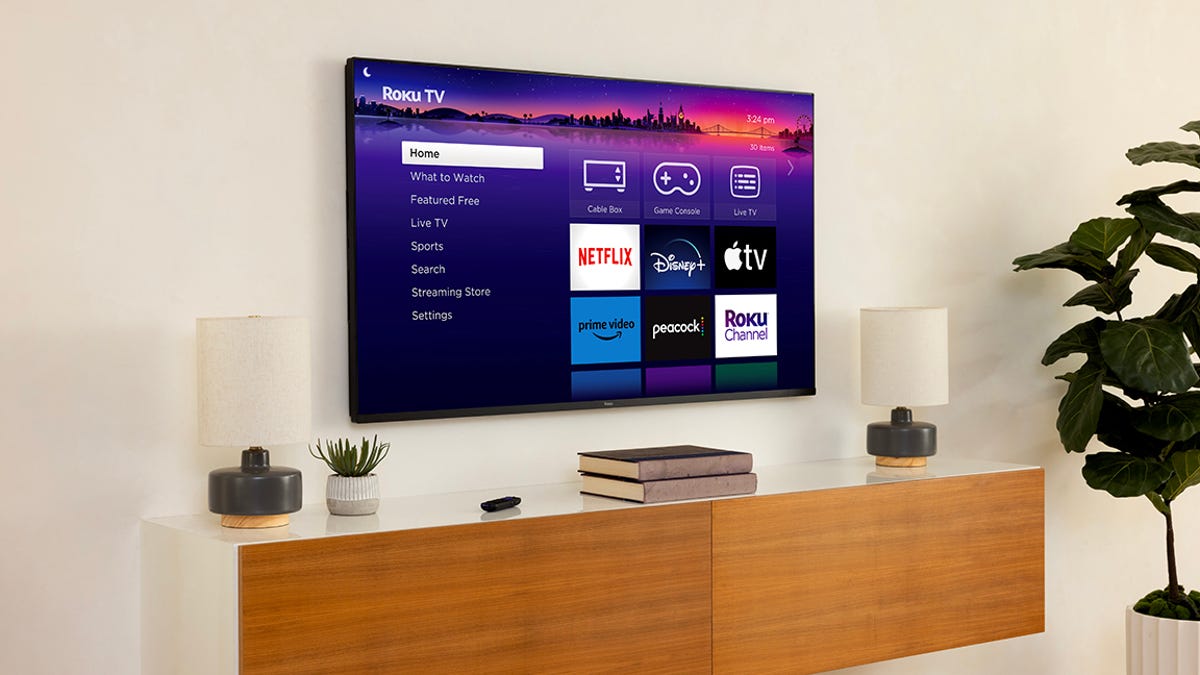
How to Fix Your Roku Without Buying a New One
Roku devices, especially older ones, can experience issues like freezing, buffering, or slow performance. Instead of replacing the device, you can try several simple fixes. One of the most effective solutions is clearing the cache. While this process may not be as straightforward on a Roku TV as on other devices, it can significantly improve the device’s performance. To clear the cache, navigate to the Settings menu, select System, then Power, and choose System Restart. If this doesn’t work, you can also reset the device using a hidden function on your remote. If performance issues persist, consider uninstalling and reinstalling any apps that may be causing the problem. For a more thorough solution, you can perform a factory reset, which will remove all users, settings, and apps. This will return the Roku to its original state, but it should be used as a last resort. By following these steps, many Roku problems can be easily resolved without the need to buy a new device.