
Pinggy Adds Support for Multiple Port Forwarding and Persistent URLs
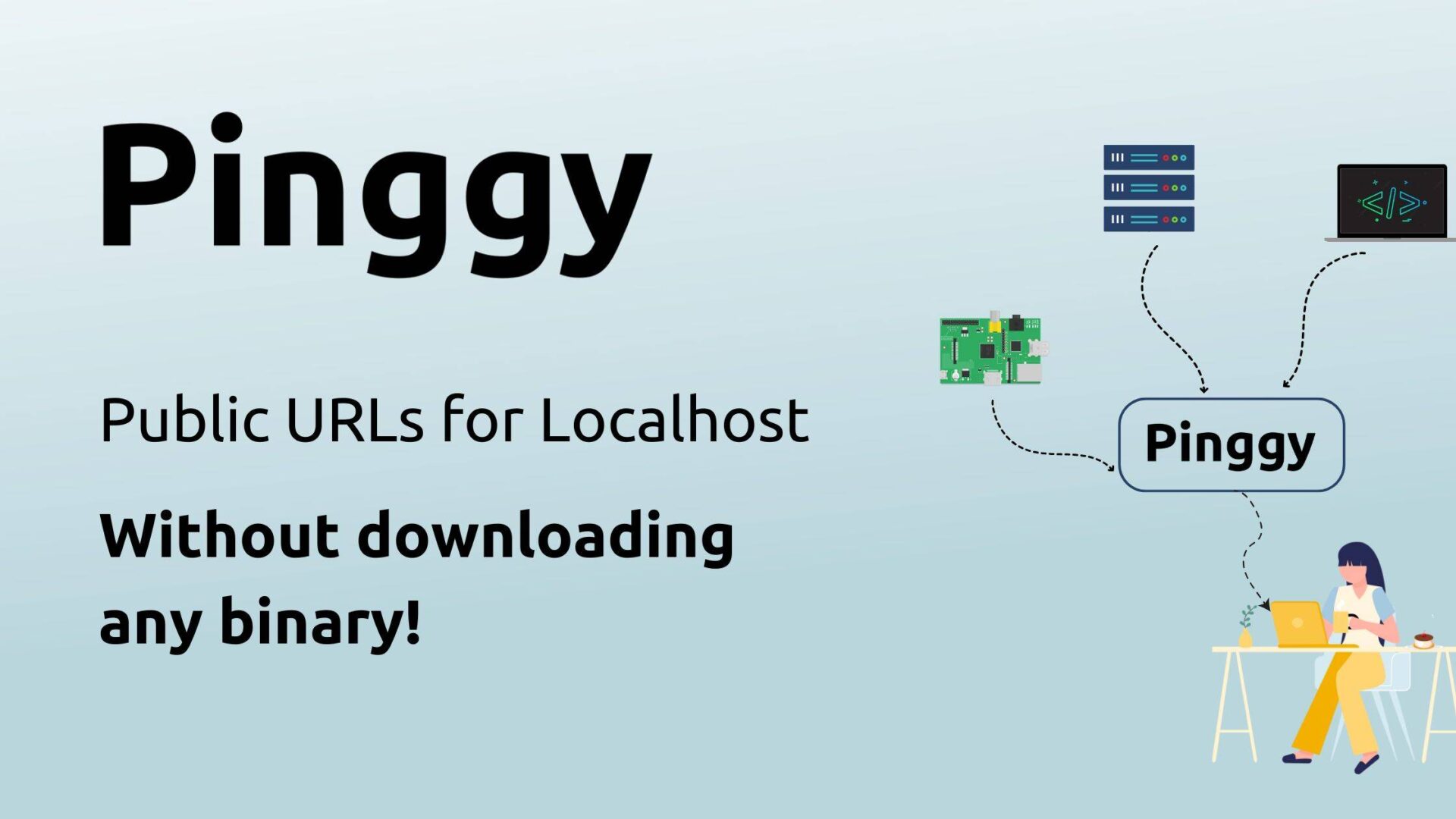
Pinggy, a tool that allows developers to create public URLs for their localhost without the need for downloading any binaries, has introduced new features including support for multiple port forwarding. The platform enables the creation of HTTP, TCP, UDP, and TLS tunnels, which makes it easier to access local development environments from anywhere, even behind firewalls and NATs. Users can now benefit from a persistent public URL valid for seven days, with options to use custom domains. The service is accessible via a simple SSH command and includes features such as live debugging, request inspection, and header manipulation. Developers can share their work instantly without uploading to the cloud or installing any software. Pinggy also supports secure access through TLS tunnels and various forms of authentication including basic auth, bearer tokens, and IP whitelisting. With global server availability and desktop applications for Windows, Mac, and Linux, it caters to a wide range of use cases. A free version offers basic functionality, while a Pro version unlocks persistent tunneling, custom domains, and more. Pinggy’s approach simplifies remote development, debugging, and secure sharing of local apps.