
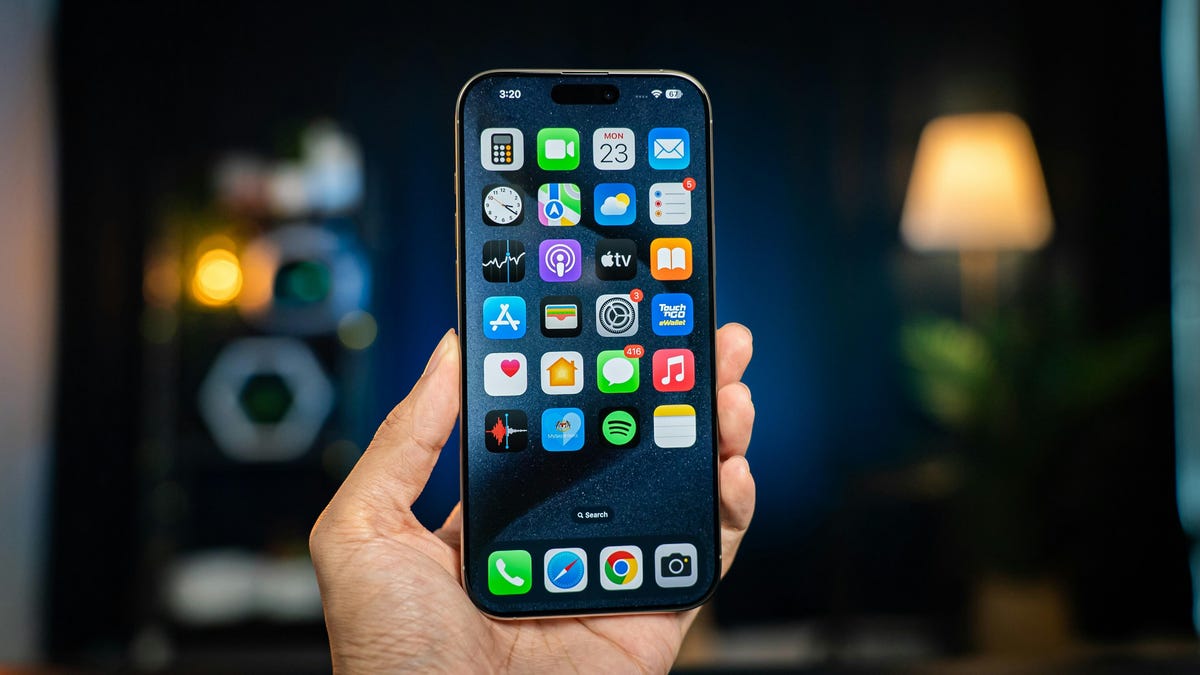
How to Enable iPhone’s Voice Isolation for Better Call Quality
Apple’s Voice Isolation feature, introduced in iOS 16.4, is designed to improve the clarity of phone calls by reducing background noise. This feature, which can still be used on older iPhone models, mutes distracting sounds like barking dogs or construction noises, making conversations clearer for both business calls and casual chats. While Voice Isolation was first added to FaceTime in iOS 15, it is now also available for regular phone calls. To enable this feature, users need to access the Control Center during an active call and tap ‘Voice Isolation’. The setting remains active for future calls unless manually turned off. In addition to Voice Isolation, there are other microphone modes, such as Wide Spectrum, which amplifies surrounding sounds for group calls, and Automatic, which adjusts settings based on the type of call. Although Wide Spectrum is currently only available for FaceTime, it may eventually be included for regular calls. Apple’s new iOS 26, which will be released soon, will introduce new features like call screening, but Voice Isolation is already a valuable tool for improving call quality.